
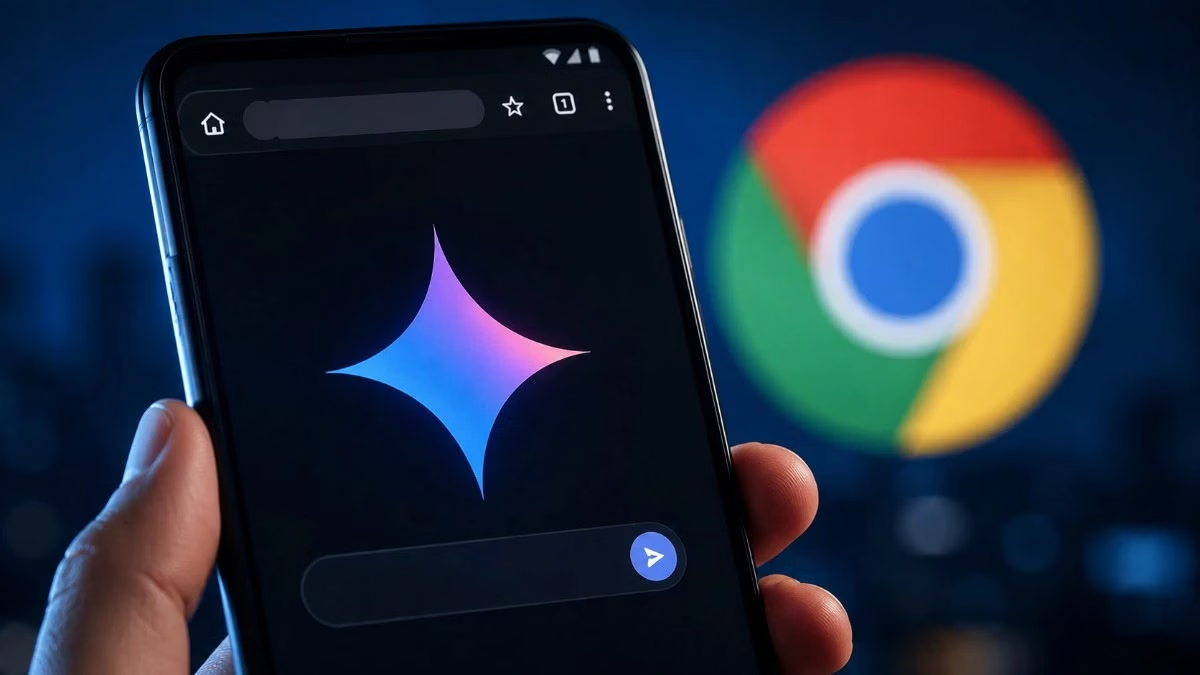

AI integration brings webpage summaries, image generation and agentic Auto Browse capabilities directly into Google’s mobile browser
SAN FRANCISCO: Google is expanding Gemini in Chrome to Android users across the United States, introducing deeper artificial intelligence capabilities that can analyse webpages and perform multi-step online tasks.
The wider rollout brings multimodal Gemini integration directly into the mobile browser. Users can activate the assistant through the Gemini sparkle icon in Chrome’s top bar or access it through the three-dot menu.
Gemini can summarise lengthy articles, research papers, recipe websites and other webpages. Moreover, users can ask follow-up questions about information displayed on the current page without manually searching through the entire content.
Gemini Connects Chrome With Google Services
The integration also allows Gemini to work with Google Workspace services, including Calendar and Keep. For example, users viewing flight information or an event schedule can ask the assistant to add relevant details to their calendars or save information as notes without leaving Chrome.
Additionally, Gemini supports image generation through Google’s Nano Banana technology, allowing users to create and customise images while browsing.
However, the most significant addition is Auto Browse, an agentic AI capability rolling out to Google AI Pro and AI Ultra subscribers using Android devices in the United States.
Auto Browse Takes On Multi-Step Web Tasks
Unlike conventional assistants that primarily answer questions or summarise information, Auto Browse can navigate websites and perform multiple steps for users.
Google says the feature can search for and book parking for concerts or sporting events, modify recurring online orders and organise travel arrangements.
Meanwhile, Google has introduced safeguards against prompt-injection attacks, in which malicious websites hide instructions intended to manipulate AI systems into taking unwanted actions or revealing information.
The company says its models can detect and block such attempts. Auto Browse also pauses before sensitive actions and requests user approval before proceeding.
Android users can check Chrome’s address bar or three-dot menu for Gemini. Because Google is enabling the feature through a server-side rollout, availability may expand gradually even for users running the latest Chrome version.