
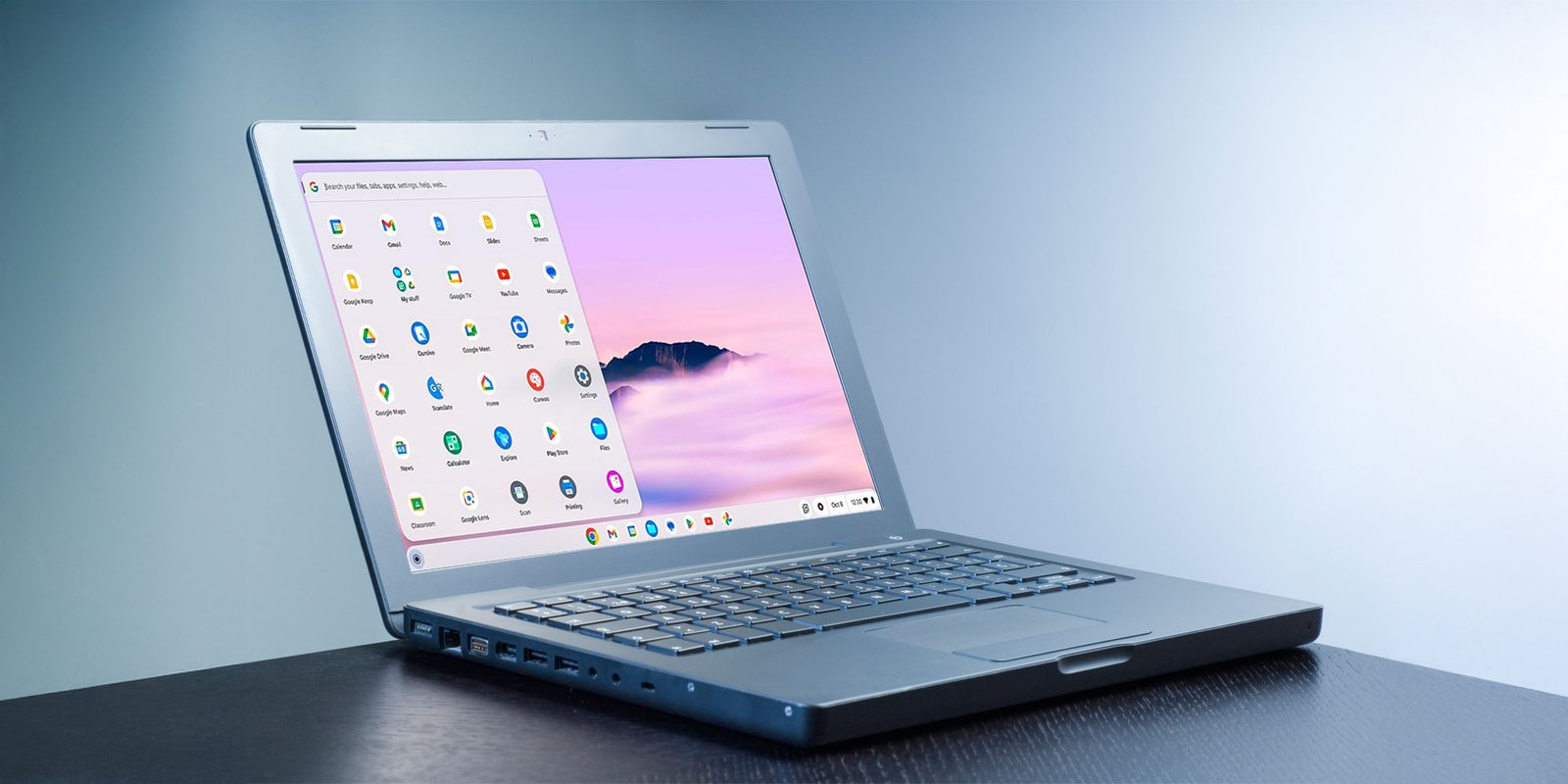

An old Windows laptop does not always need replacement or resale. Users can repurpose compatible devices with ChromeOS Flex for free, creating a lightweight Chromebook-like experience without advanced technical skills.
Google’s ChromeOS Flex generally uses fewer resources than Windows and can improve performance on older hardware. However, users should back up important files because installation permanently erases existing data.
What You Need Before Installing ChromeOS Flex
ChromeOS Flex requires an Intel or AMD processor, at least 4GB of RAM and 16GB of storage. Google also recommends checking whether the computer appears on its certified device list, while some older processors may lack support.
Users also need an 8GB or larger USB flash drive and another computer with Google Chrome. The Chromebook Recovery Utility uses that computer to create the installation media.
How To Install ChromeOS Flex
First, install Google’s Chromebook Recovery Utility extension in Chrome. Then connect the USB drive, open the extension, select Google ChromeOS Flex and choose the connected drive to create the installer.
Next, connect the USB drive to the old computer and restart it. Press the appropriate boot-menu key, such as F10, F12 or Delete, then select the USB drive.
ChromeOS Flex allows users to try the system before installing it permanently. The trial does not preserve data after restarting, but it lets users check hardware compatibility.
If everything works correctly, users can proceed with installation. After completion, remove the USB drive and restart the computer to begin using ChromeOS Flex.
ChromeOS Flex Comes With Several Limitations
ChromeOS Flex does not include the Google Play Store or Android support. It also lacks biometric login and startup PIN options available on many regular Chromebooks.
Additionally, Google does not officially support dual-booting ChromeOS Flex with Windows. Linux support remains available on some compatible devices, although users may need command-line installation.
Despite these limitations, ChromeOS Flex offers an affordable way to extend an older computer’s useful life. It provides a browser-focused environment that can handle everyday tasks without requiring a new machine.
For the latest updates, visit and follow The Truth International website (www.thetruthinternational.com) and subscribe to the YouTube Channel.