
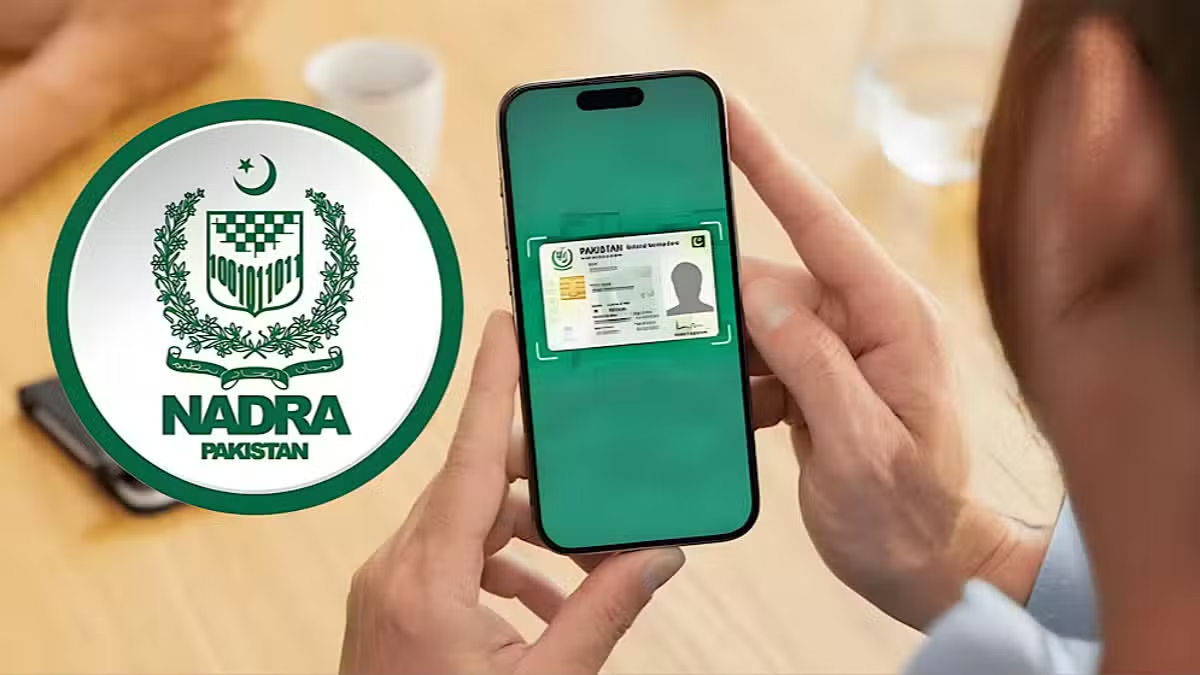

Pakistan’s National Database and Registration Authority (NADRA) has introduced a digital identity card service through its PakID mobile application.
The new facility allows citizens to access their identity card directly from their smartphones. The digital version carries the same legal status as the original physical identity card.
How to Get NADRA Digital ID
Citizens can apply for the digital identity card through the PakID mobile app.
The process requires users to open the Digital ID section within the application. They can then select the option to apply for a Digital ID and submit their request.
After NADRA approves the application, the digital identity card becomes available for download through the app.
Users can then access the card on their mobile phones whenever they need to present their identity information.
Four Steps to Access Digital Card
NADRA’s guide outlines four basic steps for obtaining the digital identity card:
- Open the Digital ID option in the PakID app.
- Apply for the digital identity card.
- Wait for NADRA to approve the request.
- Download the digital card once it becomes available.
The digital card can then be presented when an identity document is required.
Digital Identity Service Expands
The initiative forms part of NADRA’s wider efforts to expand digital services for citizens.
By making identity documents accessible through mobile devices, the authority aims to provide greater convenience for people who may not want to carry their physical cards.
NADRA has advised citizens to use the official PakID application when accessing the service.
Citizens requiring assistance can contact NADRA’s helpline at 1777. Further information about digital identity services is also available through NADRA’s official website.
For the latest updates, visit and follow The Truth International website (www.thetruthinternational.com) and subscribe to the YouTube Channel.