
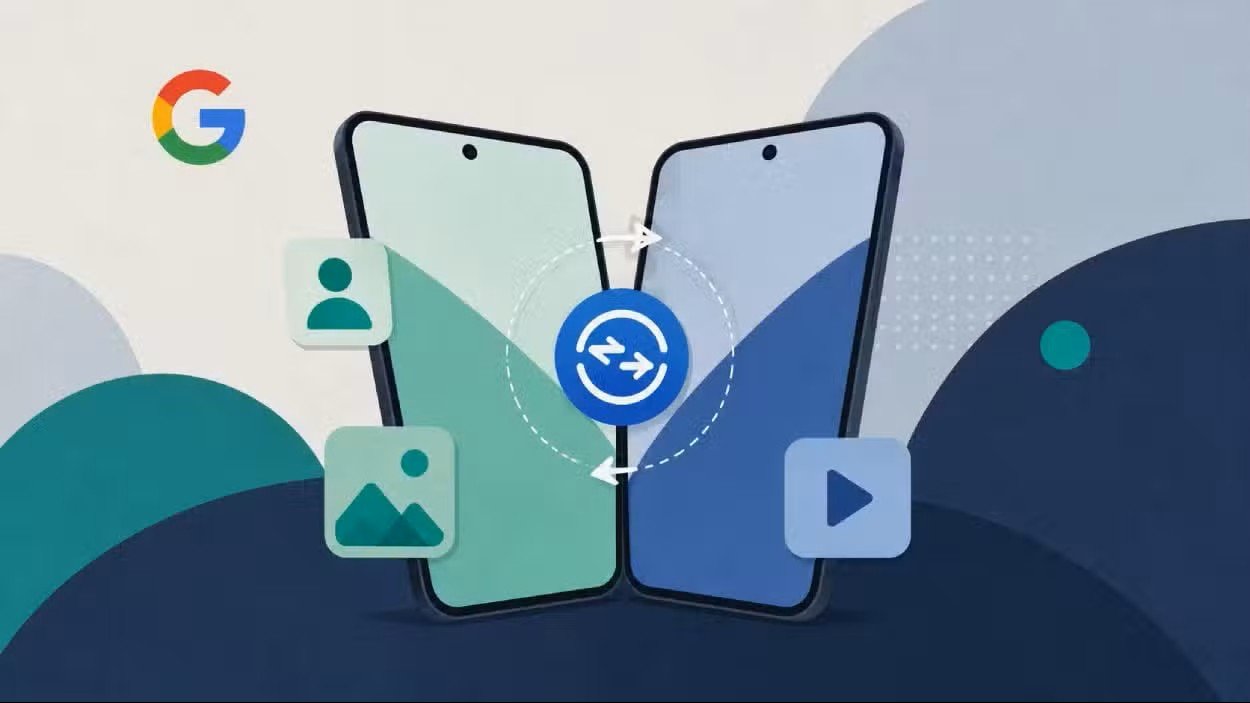

Google Introduces Faster Contact Sharing Between Android Phones
Google has officially introduced Tap to Share, a new Quick Share feature that lets compatible Android phones exchange content by bringing the devices close together.
The new feature allows users to share contact information, photos, videos and other supported content without manually searching for nearby devices.
Tap to Share offers an experience similar to Apple’s NameDrop feature on iPhones. NameDrop allows users to exchange contact information by bringing supported Apple devices close together.
Google is initially rolling out Tap to Share to Pixel smartphones, starting with the Pixel 6 series.
Support is also being introduced for selected Samsung foldable phones, including the Galaxy Z Fold8 Ultra, Galaxy Z Fold8 and Galaxy Z Flip8.
Google expects more Android smartphones to receive Tap to Share support before the end of 2026.
The feature is integrated directly into Quick Share, Google’s existing system for transferring files between nearby devices.
Contacts, Photos and Videos Can Be Shared With a Tap
Sharing contact information has become much simpler with the new feature.
Users can remain on their phone’s home screen and bring two compatible Android devices close together.
The smartphones will recognise each other and allow an immediate two-way exchange of contact information.
Users can select exactly which details from their contact card they want to send.
They can also configure Tap to Share so their phone only receives another person’s details without sending their own information.
The feature gives users greater control over what personal information is shared during the exchange.
Tap to Share also supports photos and videos.
To transfer media, users first select the photos or videos they want to send and open Android’s Share Sheet.
They can then bring the two compatible devices close together to start the transfer through Quick Share.
Google says the system can also handle other supported types of content, making the feature useful beyond contact and media sharing.
The update reduces the number of steps normally required when transferring files between nearby Android smartphones.
Tap to Share Can Be Disabled in Android Settings
Google has made the feature optional for users who prefer traditional Quick Share methods.
Tap to Share can be disabled through the Android settings menu.
Users can navigate to Settings > Google > Quick Share > Tap to Share and switch the feature off.
Quick Share itself will continue to work even if the tap-based functionality is disabled.
The wider rollout could make nearby sharing between Android devices faster and more convenient as additional manufacturers introduce support.
With Tap to Share, Google is strengthening Android’s device-to-device sharing capabilities while offering users greater control over how content and personal information are exchanged.