

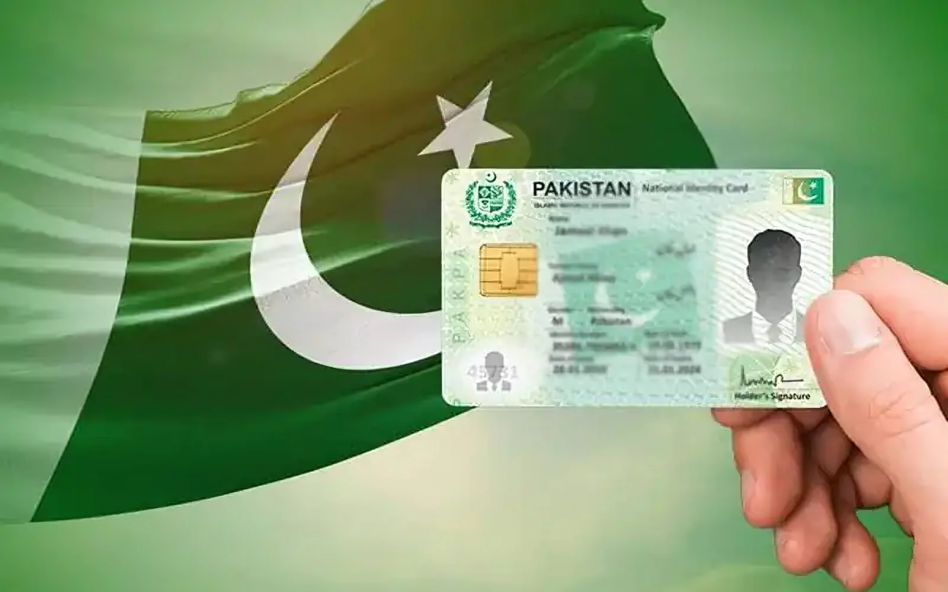

Citizens can now change or update their CNIC photograph without visiting a registration centre. The service is available through the Pak ID mobile application, offering a faster and more convenient process.
This digital facility allows users to manage identity updates directly from their smartphones. As a result, long queues and travel delays are no longer necessary.
How to Change CNIC Picture Using Pak ID App
To begin, users must log into their Pak ID account using valid credentials. After logging in, select the “Update Card” option from the dashboard.
Next, choose the option related to updating personal details. Then proceed to the photograph update section. The application will guide users through the submission process step by step.
Once the image is captured correctly, users can submit the request for verification.
Official Guidelines for Capturing CNIC Photograph
NADRA has issued clear instructions to ensure photo acceptance. Following these guidelines helps avoid delays or rejection.
While capturing the photo, users should select either the front or back camera. However, proper lighting is essential. Shadows must not appear on the face.
Hair should remain away from the eyes. Additionally, no object should block the face. A plain white background is required for accuracy.
Users must remove glasses before capturing the image. Moreover, the face should stay within the circular frame displayed on the screen.
Men may wear a cap or turban, provided the face remains visible. Women may wear a hijab, but the face and chin must be clear.
The process completes once the on-screen circle turns green. Users should remain steady while taking the photograph.
Why This Digital Service Matters
This initiative improves accessibility for citizens across Pakistan. It reduces dependency on physical registration centres. Furthermore, it saves time and travel costs.
Digital identity services also support transparency and efficiency. Therefore, the Pak ID app continues to expand as a reliable public service platform.
Updating a CNIC photograph has become easier than ever. With the Pak ID mobile app, citizens can complete the process securely from home.
By following the official photo guidelines carefully, users can ensure smooth approval without unnecessary delays.
