

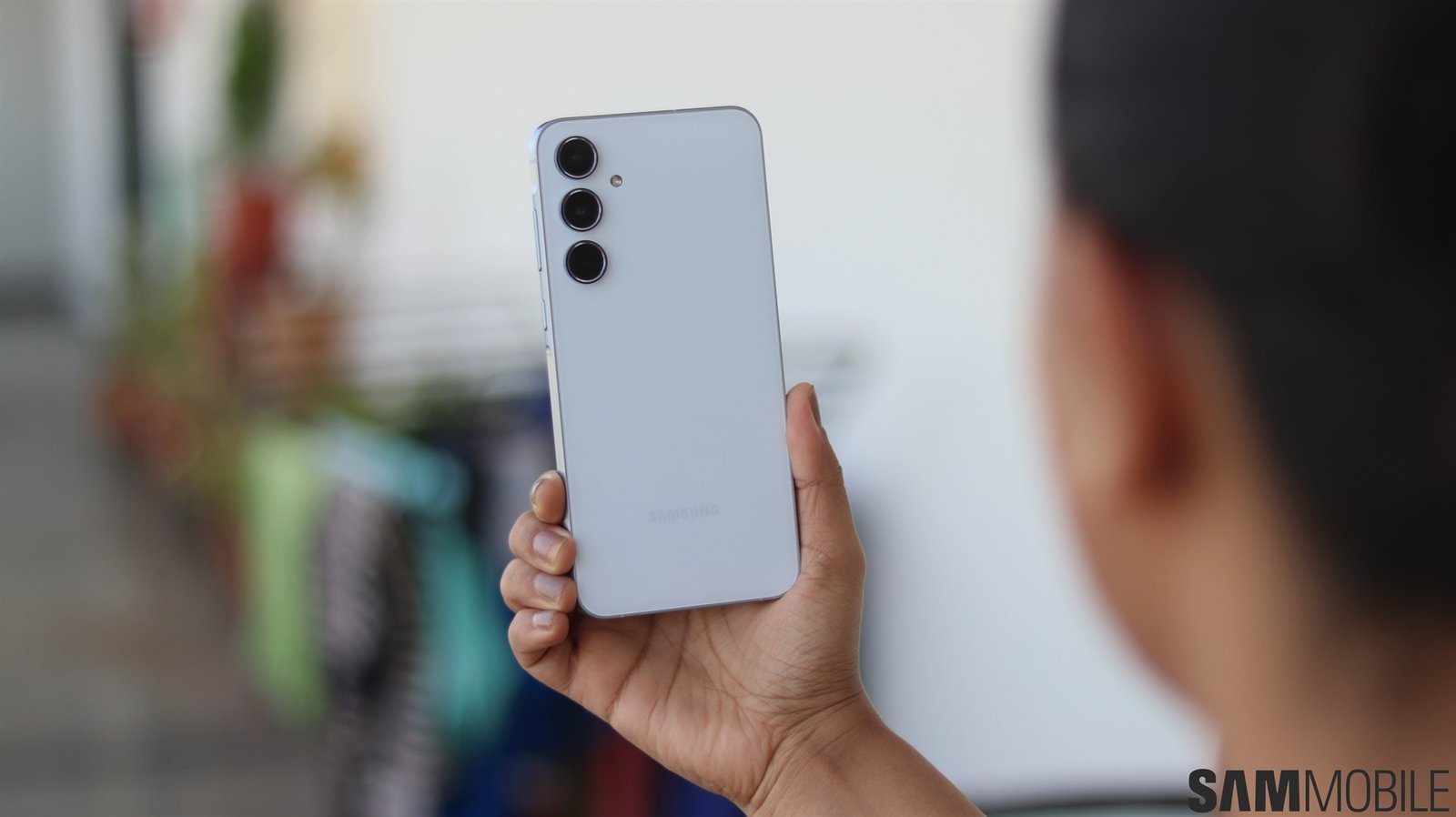

Samsung has rolled out a new security update for its popular mid-range device — the Samsung Galaxy A55. This latest patch focuses on strengthening device security, improving system performance, and ensuring smoother user experience. With consistent updates, Samsung continues to prove its commitment to long-term device reliability and customer trust.
Samsung Galaxy A55 Gets Patched — What’s New?
The Samsung Galaxy A55 gets patched with the latest monthly security update aimed at resolving previously reported bugs and system vulnerabilities. This patch enhances system stability and improves compatibility with third-party apps.
Key highlights of the update include:
-
Fixes for Android operating system vulnerabilities.
-
Improved device stability and optimized system performance.
-
Better protection against malware and unauthorized access.
-
Preparation for the next major One UI and Android update rollout.
Users can expect minor improvements in camera processing, faster app response, and smoother animations after installing the patch. Samsung’s regular update cycle helps ensure long-lasting software reliability for Galaxy users.
Samsung Galaxy A55 – Full Specifications
| Category | Details |
|---|---|
| Model | Samsung Galaxy A55 5G |
| Launch Date | March 2024 |
| Build | Glass front and back, aluminum frame |
| Display | 6.6-inch Super AMOLED, 120Hz, Full HD+ (1080×2340 pixels) |
| Processor | Exynos 1480 (4nm) Octa-core |
| GPU | Xclipse 530 |
| RAM & Storage | 6GB / 8GB / 12GB RAM, 128GB / 256GB internal storage |
| Expandable Storage | microSD card support up to 1TB |
| Rear Camera | Triple: 50MP (main, OIS) + 12MP (ultrawide) + 5MP (macro) |
| Front Camera | 32MP wide lens |
| Video Recording | 4K@30fps, 1080p@60fps |
| Battery | 5,000mAh with 25W fast charging |
| Operating System | Android 14 with One UI 6 |
| Network | 5G, 4G LTE, Wi-Fi 6, Bluetooth 5.3 |
| Water Resistance | IP67 dust and water resistance |
| Security | On-screen fingerprint sensor, Samsung Knox Vault |
| Colors Available | Awesome Ice Blue, Awesome Lilac, Awesome Navy, Awesome Lemon |
Why This Patch Matters
-
Enhanced Security: The patch protects your phone from the latest malware, spyware, and privacy vulnerabilities.
-
Better Performance: System optimizations reduce lag, improve responsiveness, and enhance multitasking.
-
Stable Connectivity: Network and Bluetooth improvements ensure consistent connection performance.
-
Long-Term Support: Samsung promises extended updates for the Galaxy A55, keeping it secure for years.
Installing the update not only safeguards your personal data but also ensures that your smartphone continues performing efficiently.
How to Update Your Samsung Galaxy A55
To install the latest patch:
-
Go to Settings → Software update.
-
Tap Download and install.
-
Wait for the device to check for updates.
-
Follow the on-screen instructions to complete installation.
Make sure your device is charged above 50% and connected to Wi-Fi during the process.
FAQs about Samsung Galaxy A55 Gets Patched
Q1. How often does Samsung release security patches for the Galaxy A55?
Samsung releases monthly or quarterly patches depending on the model and region. The A55 generally receives regular monthly updates.
Q2. Will this patch update my Android version?
No, this patch focuses on security improvements and system stability. Major Android updates arrive separately.
Q3. Does installing the patch delete my data?
No, security patches do not erase your data. However, it’s always wise to back up your phone before updating.
Q4. Can I skip this update?
It’s not recommended. Security patches are crucial for protecting your phone from new vulnerabilities.
Q5. How can I check if my phone has the latest patch?
Go to Settings → About phone → Software information and look for the “Security patch level” date.
The Samsung Galaxy A55 gets patched once again, bringing users improved protection, better performance, and smoother everyday use. Regular updates like these highlight Samsung’s ongoing commitment to delivering secure and reliable smartphones. If you haven’t updated your device yet, head to the settings menu and install the latest patch to keep your Galaxy A55 running at its best.
