


Introduction
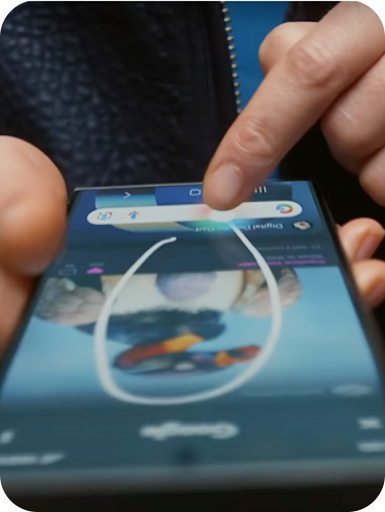
Google has significantly upgraded its Circle to Search feature, offering users an improved experience by enabling continuous translation while scrolling through content. The new “Scroll and Translate” functionality eliminates the need to restart translation each time users switch screens or navigate between apps, allowing for a seamless and uninterrupted browsing experience.
How It Works
Activating the Scroll and Translate feature is simple:
- Activate Circle to Search by long-pressing the home button or navigation handle on your Android device.
- Tap the Translate icon that appears on the screen.
- Select “Scroll and Translate” from the available options.
Once activated, this feature will automatically translate text as you scroll through content or switch between apps, providing a consistent translation experience without interruptions.
Availability
This enhanced Scroll and Translate feature is initially being rolled out on select Samsung Galaxy devices. Google plans to extend availability to a wider range of Android smartphones in the coming weeks.
Benefits
- Seamless Translation: Enjoy uninterrupted translations as you scroll or move between apps, without having to restart the process.
- Enhanced Multilingual Browsing: Easily access and understand foreign-language content across various platforms, including social media, news sites, and shopping pages.
- Improved User Experience: Google’s feature helps users navigate digital content more efficiently by providing real-time translations, reducing language barriers.
Conclusion
With this new upgrade, Google continues to make browsing on Android devices more intuitive and user-friendly. The enhanced Circle to Search feature, with its ability to translate continuously while scrolling, empowers users to easily access and comprehend content in different languages. This innovation not only improves the browsing experience but also makes multilingual access to information quicker and more efficient.
